Two homes. One calendar.
SharedLove is the custody calendar you and your co-parent both see. Set the schedule once, ask for a day change when life happens, and keep the time fair.
Download on the App StoreFor iPhone. In English, Portuguese and Spanish.
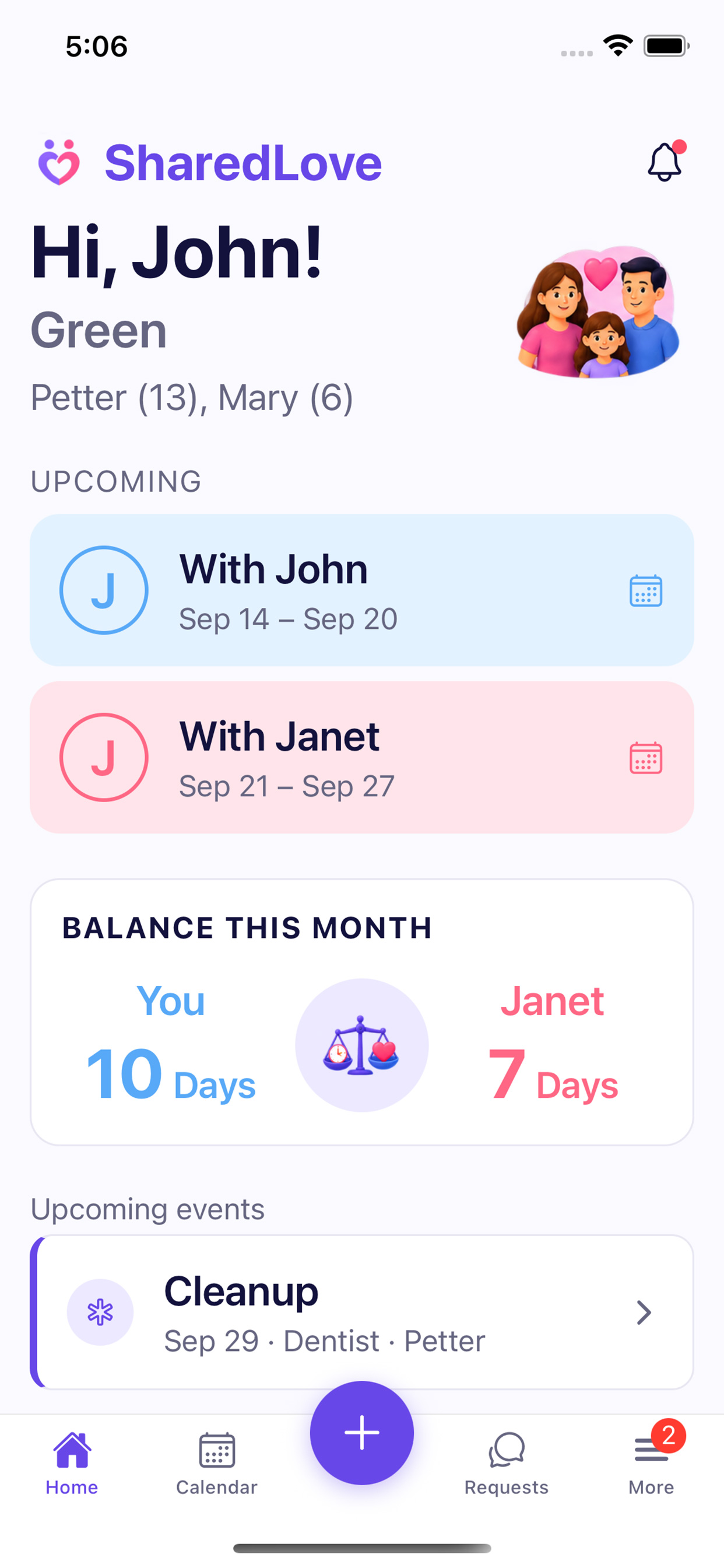
A week with you A week with your co-parent Handover day, shared by both
A schedule you agree on, then stop arguing about
Pick the arrangement you already have and see the months ahead before anyone commits. The schedule only starts once your co-parent approves it.
- Week on, week off, the same days every week, 2-2-3 and other rotations, alternating weekends, or a pattern you draw yourself.
- Handover day and time are part of the schedule, so a Monday at 3 PM is a Monday at 3 PM for both of you.
- The split is shown up front: how much time each of you gets, now and over the coming weeks.
Changes are asked for, never imposed
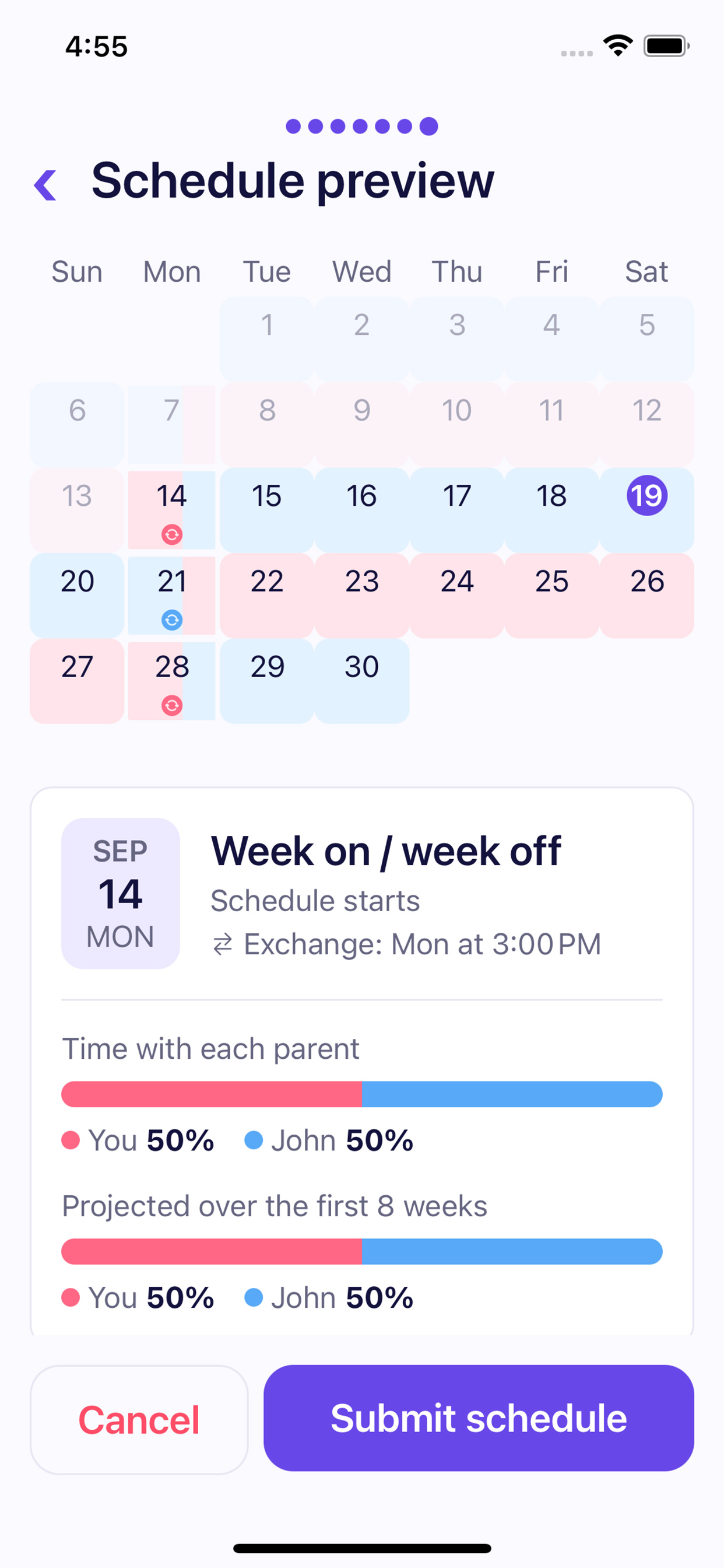
A work trip, a birthday, a sick day. Ask for the change in the app, and nothing moves on the calendar until your co-parent says yes.
- Swap days, ask them to take one of yours, or ask for one of theirs.
- They can approve, decline or suggest another day. You both get notified either way.
- Plans fell through? Ask to undo a change that was already approved.
Time given is time owed back
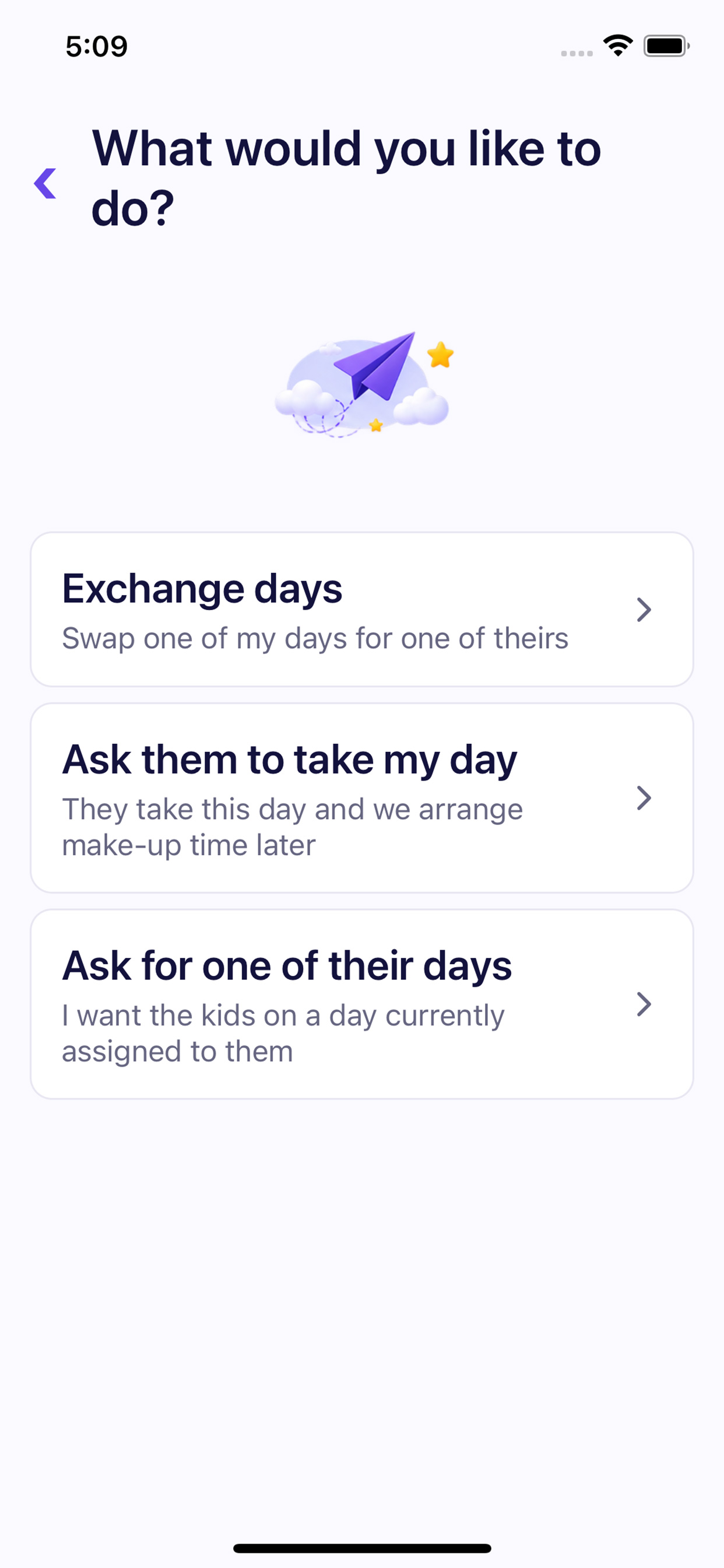
When one of you covers a day, SharedLove keeps count. The balance shows who is owed time, and a make-up day settles it.
- This month at a glance: days with you, days with them.
- Make-up days are suggested from the days that would even things out.
- School events, appointments and birthdays sit on the same calendar, with reminders.
The kids' details, in both pockets
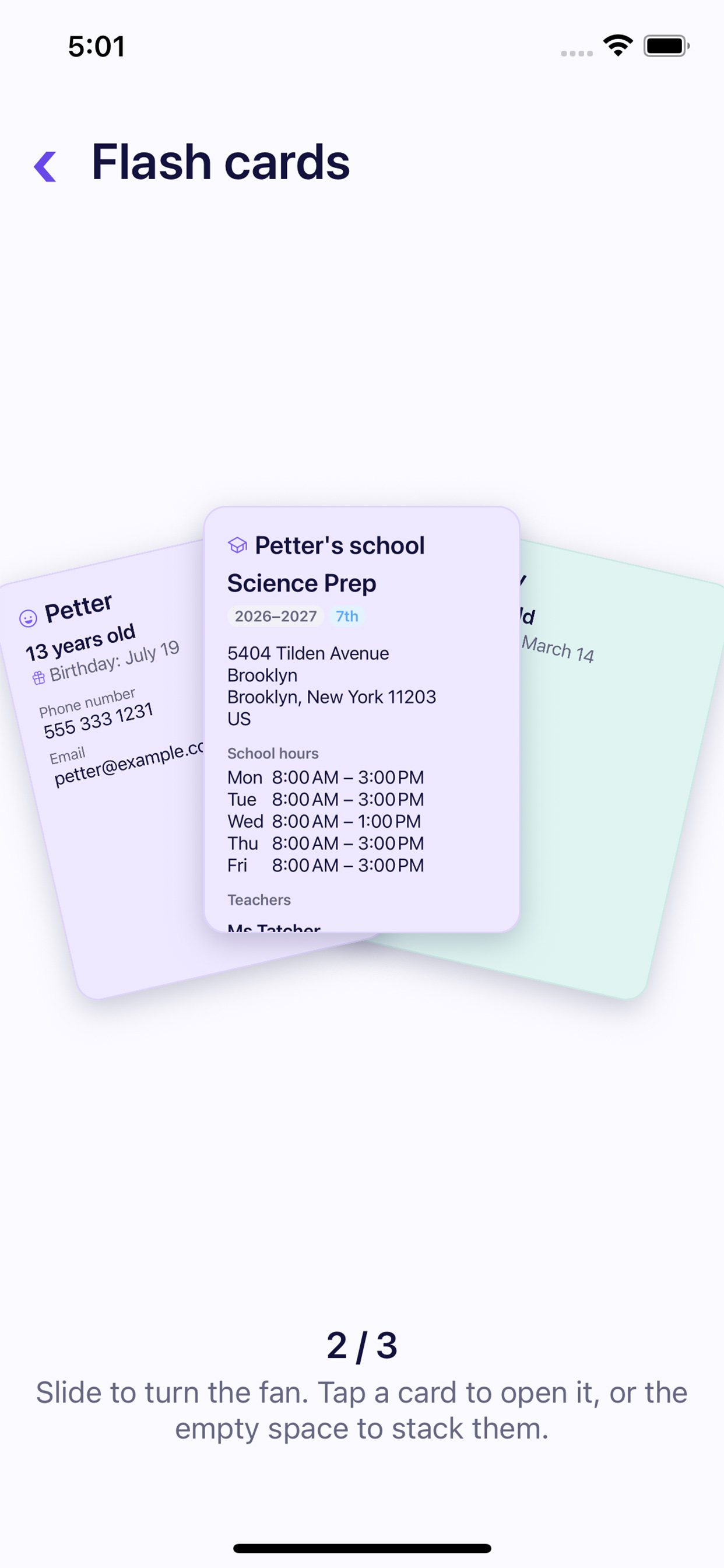
The school's address, pick-up time on Wednesdays, the teacher's name. Add it once and both parents have it, as cards you can flick through.
- School hours for every weekday, teachers and clubs, kept year by year.
- Call, email or get directions straight from a card.
- Works without a connection, from what your phone last saw.
Set up in an evening
Create your family
Add the kids, then send your co-parent an invite link or a code.
Agree on the schedule
One of you proposes it, the other approves. From then on you see the same calendar.
Handle changes as they come
Requests, make-up days and events, each with a notification to the other parent.
One subscription can cover you both
SharedLove is a subscription, billed monthly or yearly through the App Store. Yearly costs less.
Individual
Covers your own account. Your co-parent subscribes separately.
Family
Covers you and your co-parent with a single subscription.
Prices are shown in the app, in your currency. Cancel any time.
Questions or feedback?
We read every message. Tell us what works, what is missing, or what would make sharing custody easier for you.
Thanks. Your message is on its way.
We will get back to you at the email you gave us.